What Is Centralising Company Data and When Does a Company Need It?
A practical explanation of centralising company data, its types, how it works in practice, and the signals telling you your company needs it.
What is centralising company data?
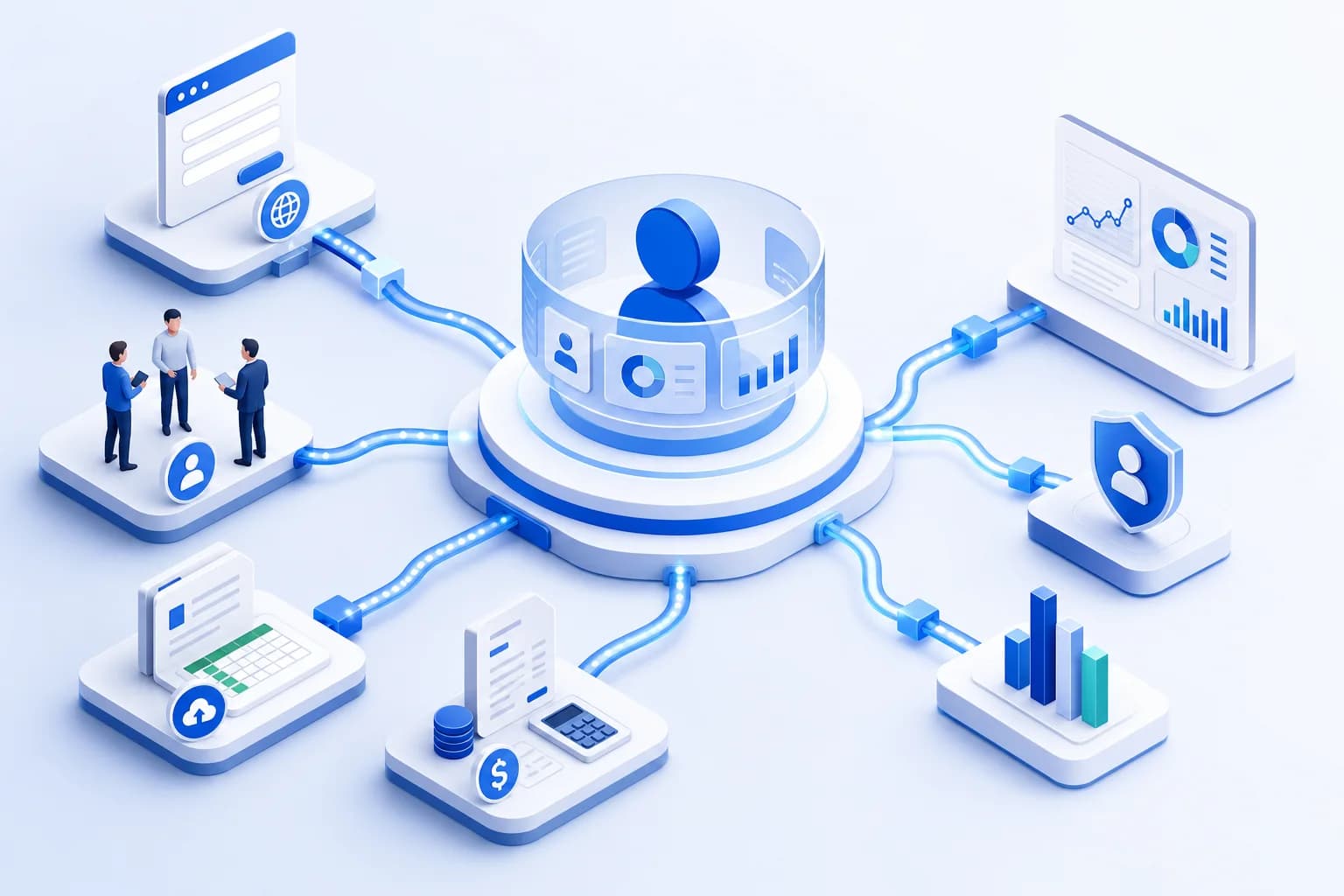
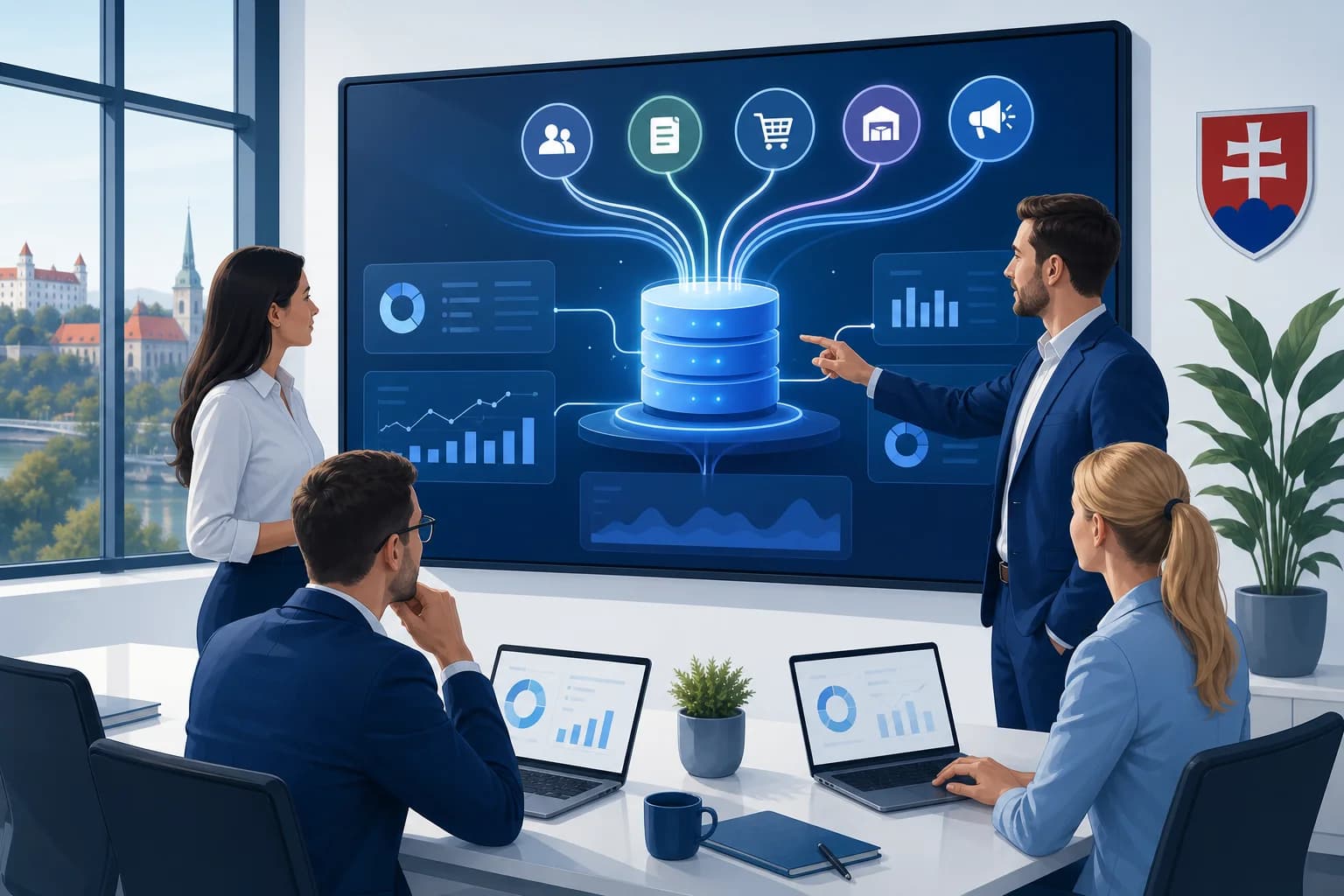
Centralising company data is how a company brings together records from its CRM, ERP, accounting, marketing, warehouse or spreadsheets into one managed environment with unified definitions and current data. The goal is not to move everything into a single application, but to create one trustworthy source for reporting, decision-making and automation.
In most companies the main problem is not a lack of data, but several versions of the same information. Sales works from one figure, finance from another and marketing from a third. The result is reports that do not agree, duplicate customer records, late material for leadership, and repeated checking of which number is the right one.
Centralisation has to be distinguished from simply gathering data in one place. Genuine centralisation adds the rules that make data usable reliably:
- unified definitions of metrics and entities,
- aligned identifiers for customers, orders and products,
- checks for duplicates and missing values,
- automatic updating instead of manual exports,
- managed access by role and team.
Centralisation therefore does not mean scrapping every existing tool. Often it is mainly about a shared data layer, or rules that let the CRM, accounting, the warehouse, the e-shop and internal applications work from the same reality. Only then does what companies most often need come about: one usable view of the business instead of five spreadsheets that disagree.
How does centralising company data work in practice?
In practice, centralisation means a company selects its key data sources, unifies the terminology, sets up automatic transfer and makes the result available in dashboards, the CRM or internal applications. This is not merely connecting systems, but a managed flow of data from the creation of a record through to the decision based on it.
Most often it runs in five steps:
- Mapping the data sources – the company writes down where important records originate: customers, orders, revenue, costs, campaigns, service, stock.
- Unifying the definitions – the precise meaning of terms is settled: active customer, won deal, cancellation, margin or lead source, for example.
- Designing the central layer – data is either gathered in one system or connected through a data warehouse, an integration layer or a custom application.
- Automating the flows – imports and synchronisations run on a schedule, not through manual exports and copying into spreadsheets.
- Making it available to the business – the output is not a technical database for IT, but comprehensible reports, workflows and a picture of the company people trust.

A concrete example
Imagine a company that gets leads through its website, runs sales in a CRM, processes orders in an e-shop and keeps invoicing in an accounting system. Without centralisation, marketing sees the number of forms, sales the number of deals in progress and finance the revenue. Nobody sees the whole connection from campaign to paid order.
After centralisation these records are linked through shared identifiers, the definitions are aligned, and leadership sees the pipeline, actual revenue and campaign performance in one place. If off-the-shelf connectors are not enough for that kind of linking and you need a solution built around your own processes, custom software developmentusually makes sense.
What types and examples of centralising company data exist?
Data centralisation has more than one model. A company can unify data directly in one system, through a central data layer, through master data management, or through a reporting hub. The right type depends on whether you are dealing with day-to-day operations, data quality, analytics, or the quick exchange of information between teams.
You will most often encounter these types:
Operational centralisation in one core system
Suitable when a company needs to run sales, jobs, stock or finance in one main tool. The typical example is a CRM or an ERP, where most day-to-day work happens directly in the system.Centralisation through a data warehouse or lakehouse
This model suits companies already using several tools that do not want to replace them. Data is collected from several systems into a central layer, where it is cleaned, joined and prepared for reporting or automation.Master data centralisation through MDM
MDM — master data management — addresses the situation where a company has the same customer, product or supplier in different systems under different names or codes. The goal is one approved version of the core entities, distributed on to the other systems.Reporting centralisation in BI tools
This model focuses mainly on management views, KPIs and dashboards. It suits companies that do not need to change their whole operational systems but do need to bring numbers together for leadership, controlling or sales.Centralisation of documents and workflow
Here it is not only about numbers, but about contracts, orders, internal approvals, service requests and project material. The point is that documents, tasks and the related data should not be scattered across e-mails, drives and various spreadsheets.

In practice companies often do not stop at one type. Sales and service run in the CRM, reporting is built over a data warehouse, and customer master data is managed separately, for example. What matters is therefore not choosing the most modern tool, but the model that matches the real processes and the company's growth.
When does a company need data centralisation?
A company needs data centralisation when it collects plenty of information but cannot rely on it. The typical signals are different numbers between departments, manual retyping, late reports, duplicate customers, and processes that cannot scale without more spreadsheets and administration.
The most common warning signs look like this:
- leadership receives reports late or in different versions,
- sales, marketing and finance work from different numbers,
- staff regularly export data into Excel and join it by hand,
- the same customer appears several times across the systems,
- after a process change, records have to be corrected in several places,
- the company wants to automate but runs into inconsistent data,
- growth brings more administrative work rather than greater efficiency.

This is not always a large transformation project. Often it is enough to start where the impact is greatest: sales, customer data, orders or reporting. A good first phase of centralisation reduces manual work, clarifies decision-making and creates room for the next steps without needless risk.
If your company needs to align sales data, customer processes and how teams work, a practical foundation tends to be a custom CRM system. If the goal is also to remove repetitive manual steps between tools, automation solutions for companiesfollow on from it. This is usually where the biggest difference lies between “we have more data” and “we can actually run the company with it”.
If you want to find out which model of centralisation makes sense for your systems, processes and reports, at BeCode we can design and build a solution based on how the company actually works , so that data supports both decision-making and the teams' daily work.
Frequently asked questions
Can centralising company data be done gradually?
Yes — in most companies gradual centralisation is the safest approach. It starts with the systems and metrics that most influence decisions: sales, invoicing and reporting, for example. The company gains a quick benefit, verifies data quality, and only then connects further sources without needless risk.
Which systems are most often connected during centralisation?
The most frequently connected are the CRM, accounting or invoicing, orders, stock and marketing tools. It is from these sources that leadership needs shared numbers on revenue, pipeline, margin, order status and campaign performance. The exact order, however, always follows from your processes rather than a universal list.
Does a small or medium-sized company need an ERP straight away to centralise data?
No — neither a small nor a medium-sized company has to start with an ERP system. If the main problem is fragmented sales, reporting or manual retyping between tools, a well-designed CRM, an integration layer or a data warehouse is often enough. An ERP makes sense mainly when broader operations and several departments have to be centralised at once.